
Creating a productive home office environment is essential for anyone who works remotely or spends significant time on tasks at home. Whether you’re a full-time remote worker, freelancer, or occasionally working from home, the right setup can make a huge difference in your focus and efficiency. Here are some helpful tips to design a home office space that supports productivity, comfort, and well-being.
Choose the Right Location
Find a Quiet Spot
Select a space in your home that is away from high-traffic areas and distractions. This could be a spare room, a corner in a bedroom, or even a section of the living room where noise is minimal.
Consider Natural Light
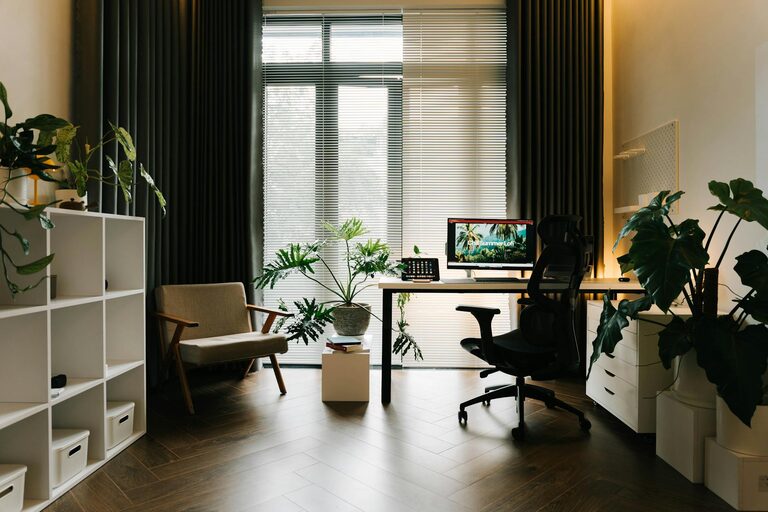
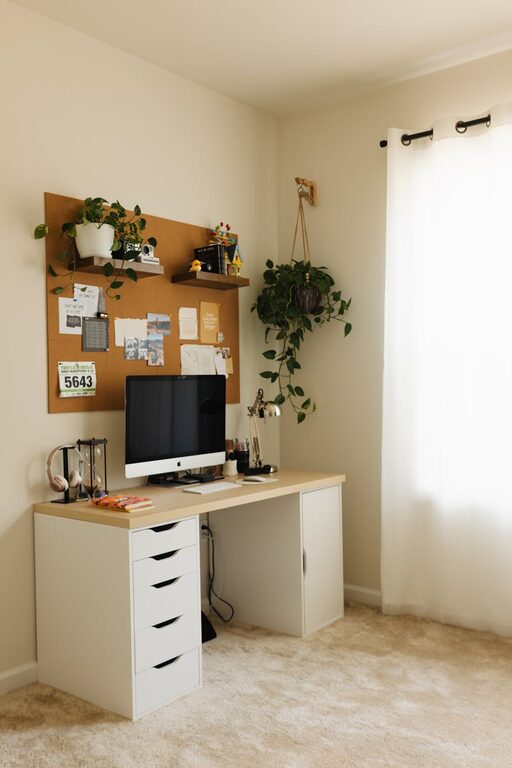
Where possible, position your desk near a window to take advantage of natural light. Natural light can improve mood and reduce eye strain. If natural light is limited, invest in good quality task lighting.
Invest in Ergonomic Furniture
Comfortable Chair
A supportive chair is key to maintaining good posture and preventing discomfort during long working hours. Look for chairs with adjustable height, lumbar support, and comfortable cushioning.
Functional Desk
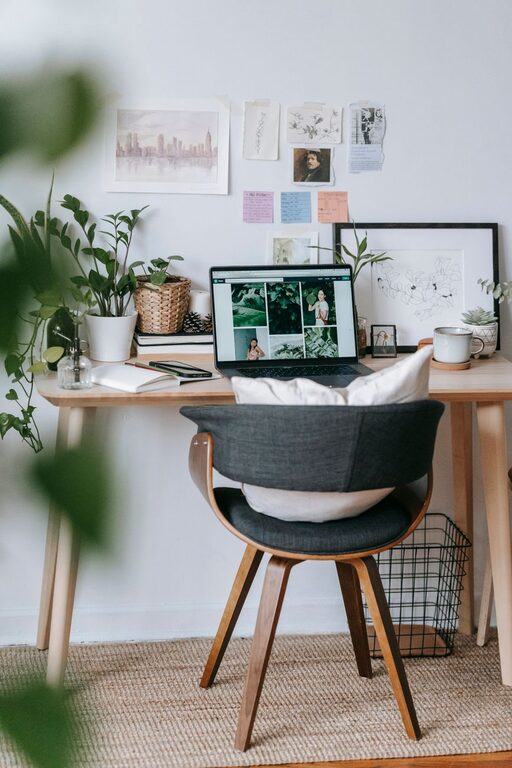
Choose a desk that fits your space and needs. A desk with enough surface area for your computer, notebooks, and other tools helps keep your workspace organized and efficient.
Standing Desk Option
Consider a sit-stand desk that allows you to alternate between sitting and standing. This can improve energy levels and reduce the risks associated with prolonged sitting.
Organize Your Workspace
Declutter Regularly
Keep your desk tidy by removing unnecessary items. Clutter can cause distractions and stress, so maintain only the essential tools you use daily within arm’s reach.
Use Storage Solutions
Incorporate shelves, filing cabinets, or storage boxes to organize documents and office supplies. Label containers to find items quickly and keep everything in place.
Cable Management
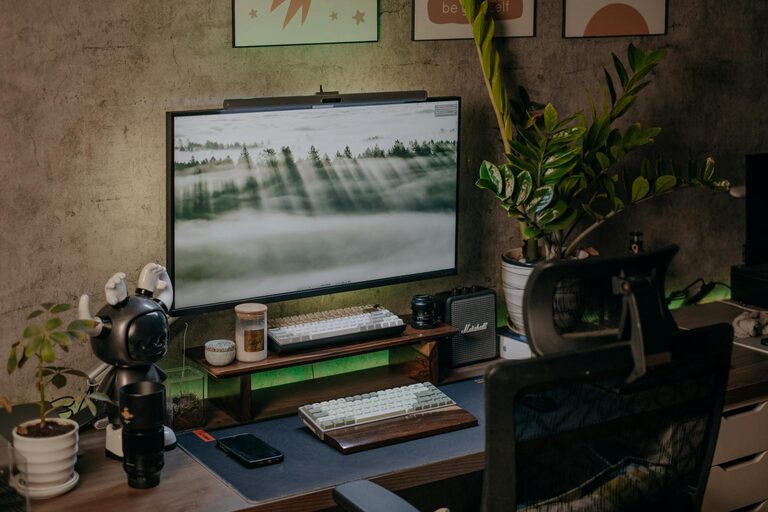
Manage cables using clips, ties, or a cable box. This not only improves aesthetics but also prevents tripping hazards and damage to cords.
Set Boundaries for Work and Breaks
Establish Working Hours
Set clear start and end times for your workday to maintain a healthy work-life balance. Communicate these hours to family or housemates to minimize interruptions.
Schedule Breaks
Incorporate regular breaks to rest your eyes, stretch your body, and recharge. Short breaks every hour can increase focus and prevent burnout.
Separate Work and Relaxation Spaces
If possible, keep your workstation separate from areas associated with leisure. This helps your brain distinguish between work time and relaxation time.
Enhance Your Workspace Atmosphere
Personalize Your Space
Add elements that inspire and motivate you, such as artwork, plants, or photos. Personal touches make the space inviting and comfortable.
Control Noise Levels
Use noise-canceling headphones or play background music if it helps you concentrate. Alternatively, white noise machines can mask distracting sounds.
Maintain Good Air Quality
Open windows for fresh air when possible. Adding indoor plants can improve air quality and create a calming environment.
Use Technology Wisely
Reliable Internet Connection
Ensure you have a strong and stable internet connection to avoid interruptions during video calls or online work.
Essential Tools and Software
Equip your workspace with the necessary technology – a good computer, printer, and software that meet your work requirements.
Backup Systems
Regularly back up your work to avoid data loss. Use cloud storage or external hard drives for secure file management.
Prioritize Health and Wellness
Ergonomic Accessories
Use keyboard and mouse pads with wrist support to reduce strain. Keep your monitor at eye level to avoid neck pain.
Stay Hydrated and Nourished
Keep a water bottle at your desk and take time for healthy snacks to maintain energy throughout the day.
Incorporate Movement
Set reminders to stand up and stretch or take a short walk. Physical activity supports both physical health and mental clarity.
Final Thoughts
Creating a productive home office environment is about more than just aesthetics—it’s about designing a space that supports your work habits and well-being. By thoughtfully selecting your location, investing in ergonomic furniture, organizing effectively, and setting clear boundaries, you can build a workspace that enhances your productivity and comfort. Remember, small changes can lead to significant improvements in your work-from-home experience.